 Video
Video

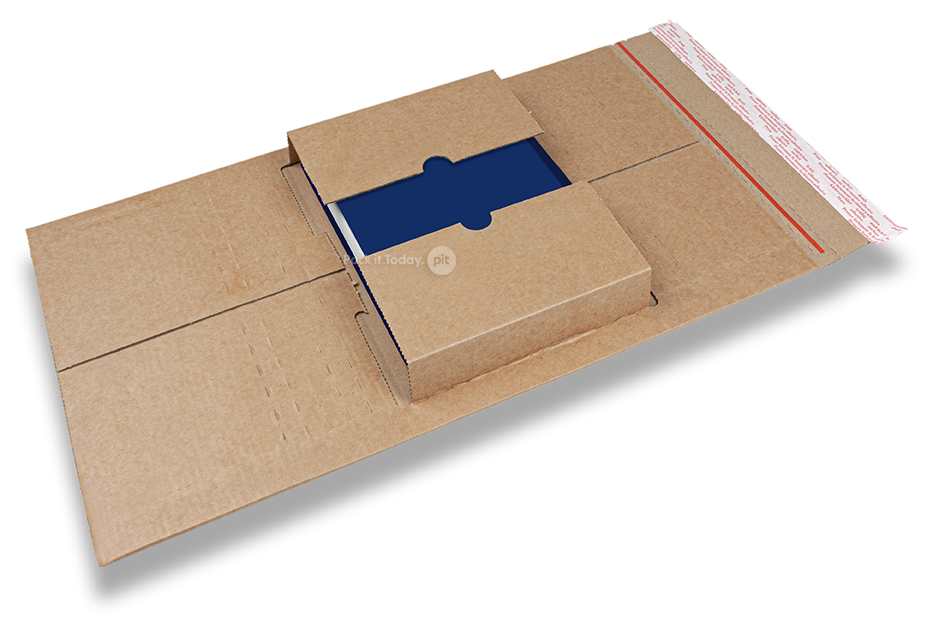
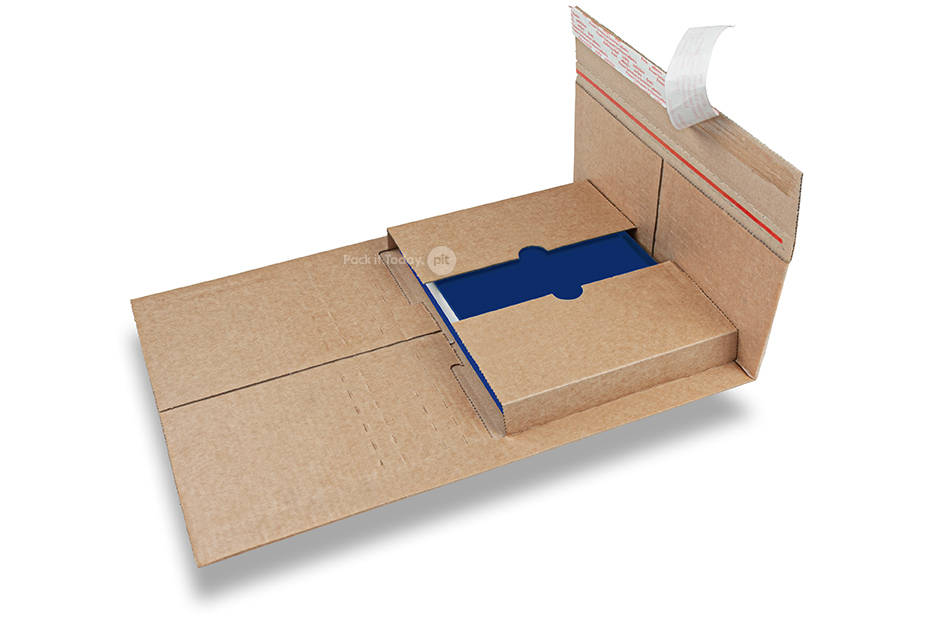
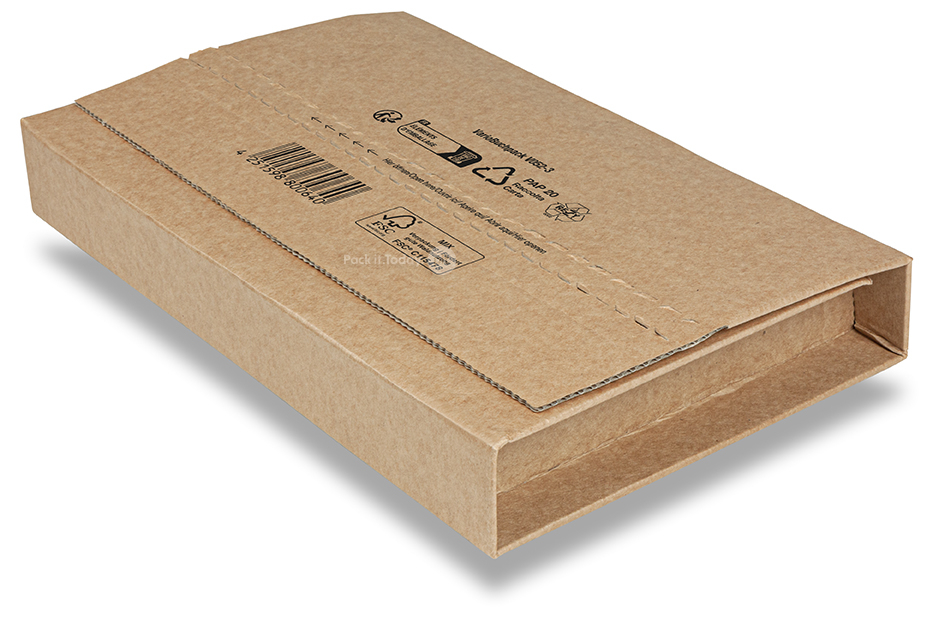
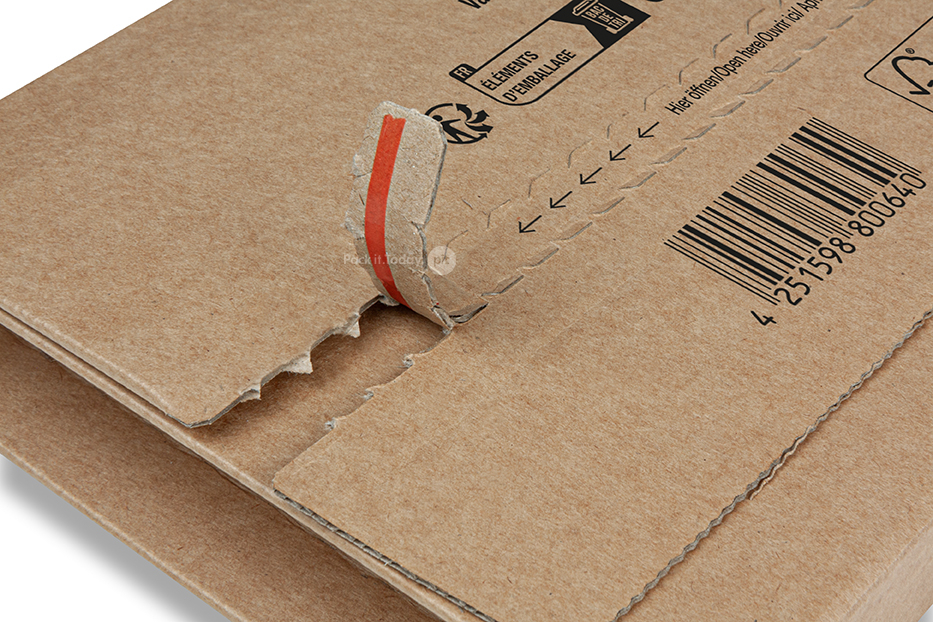
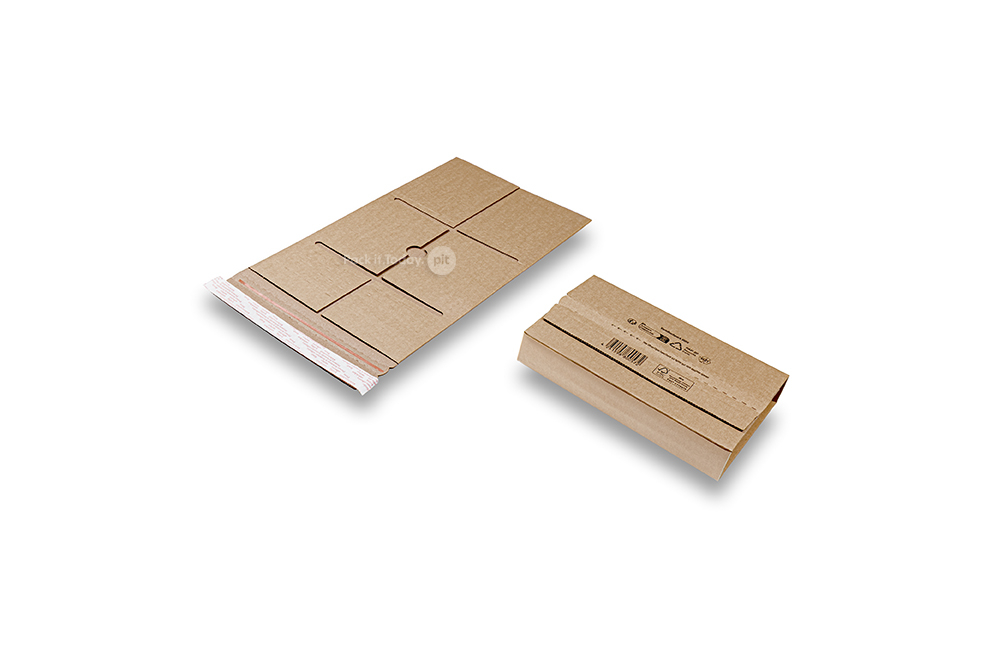
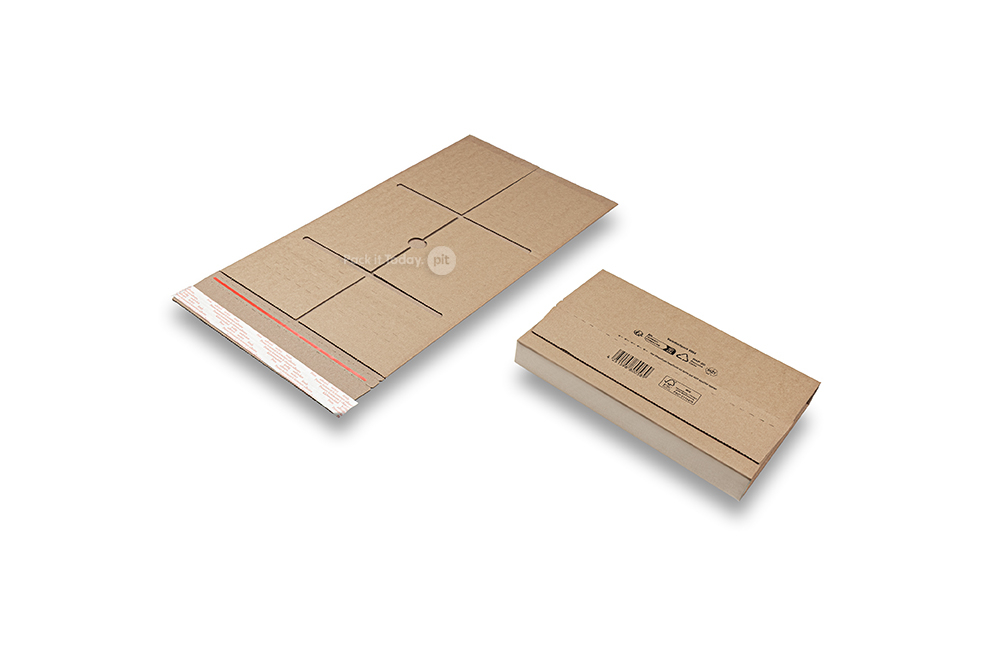
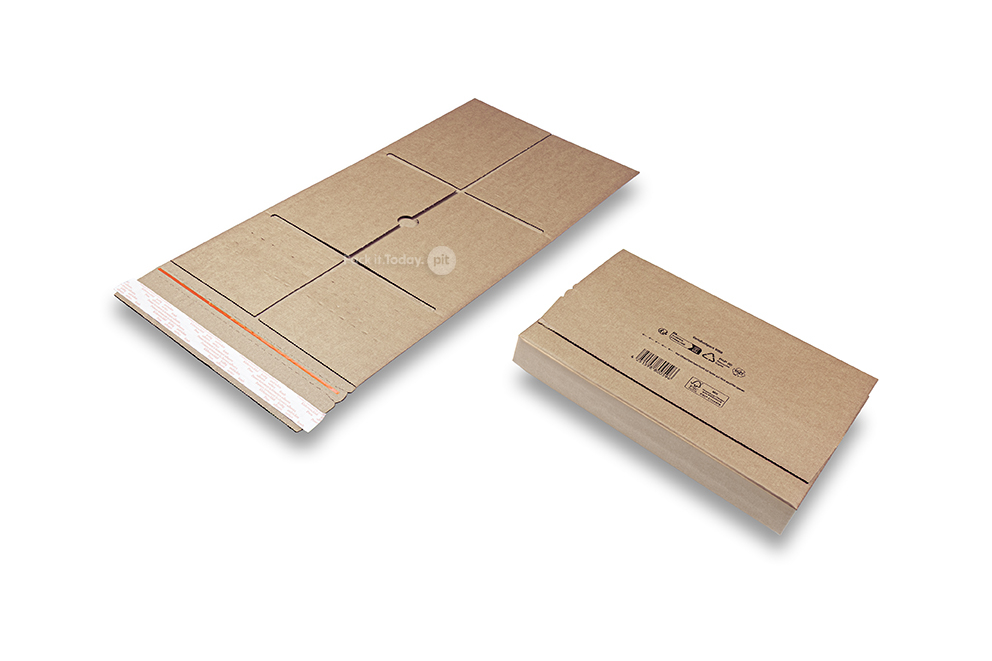
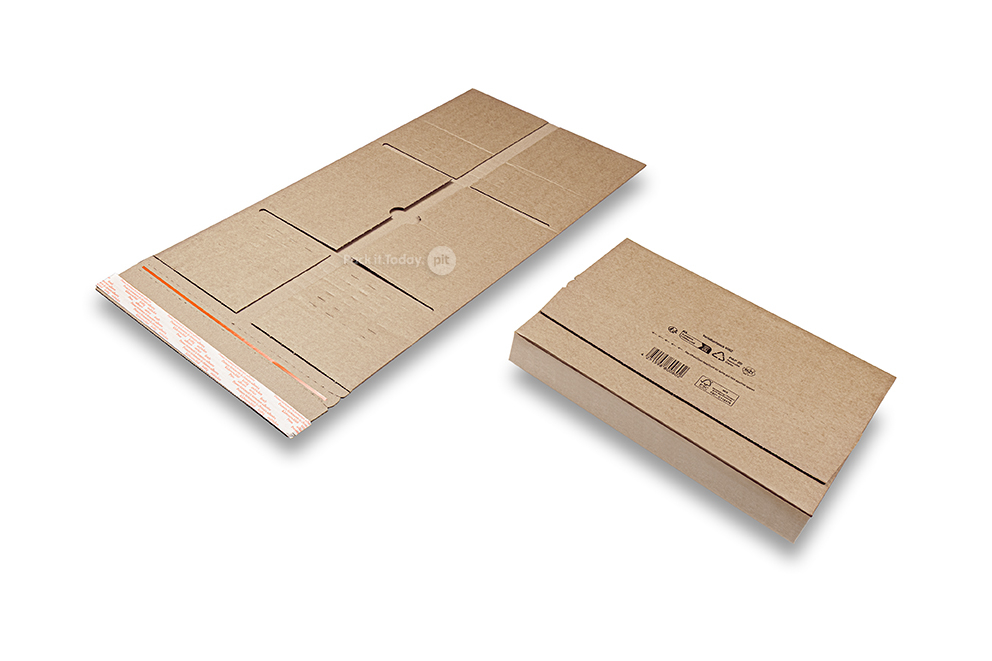
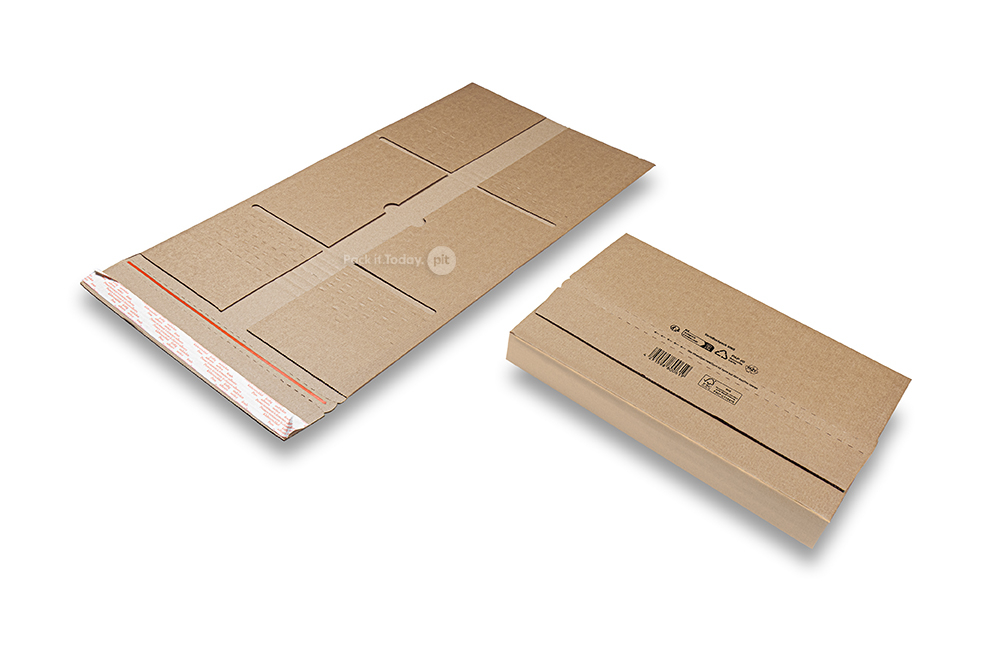
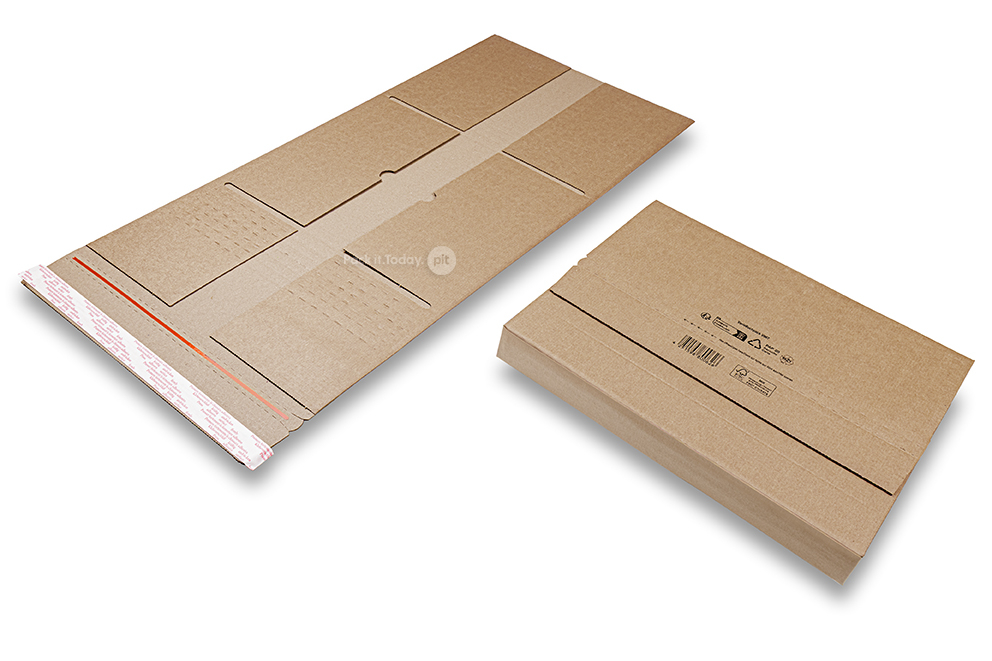

VarioBuchpack book packaging
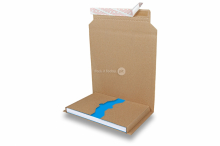
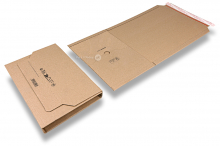
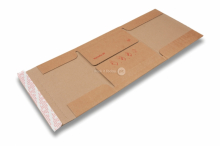
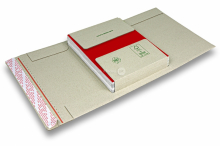
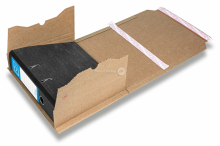
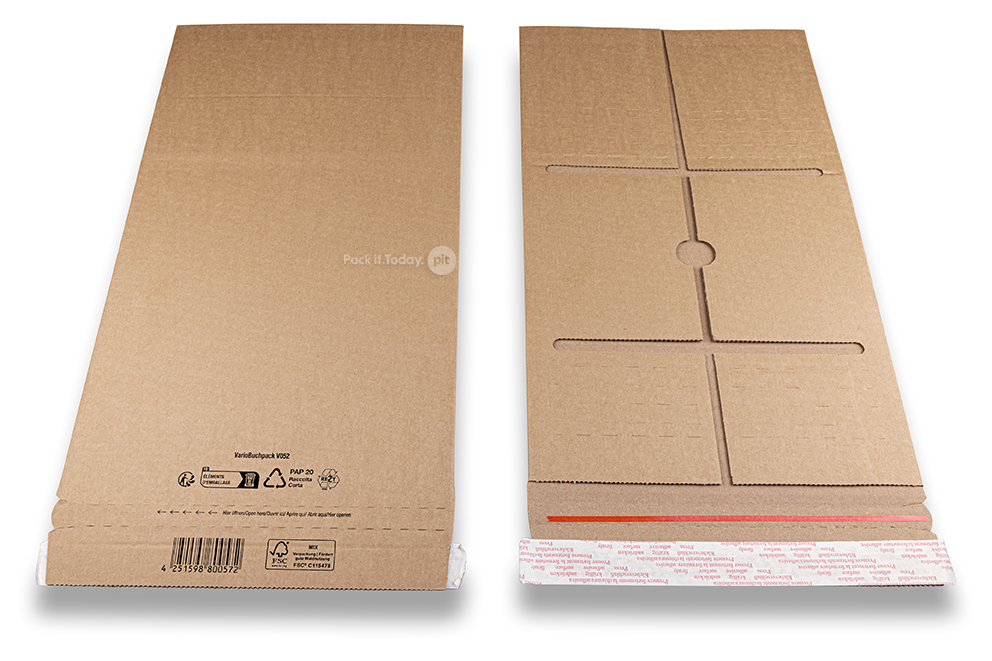
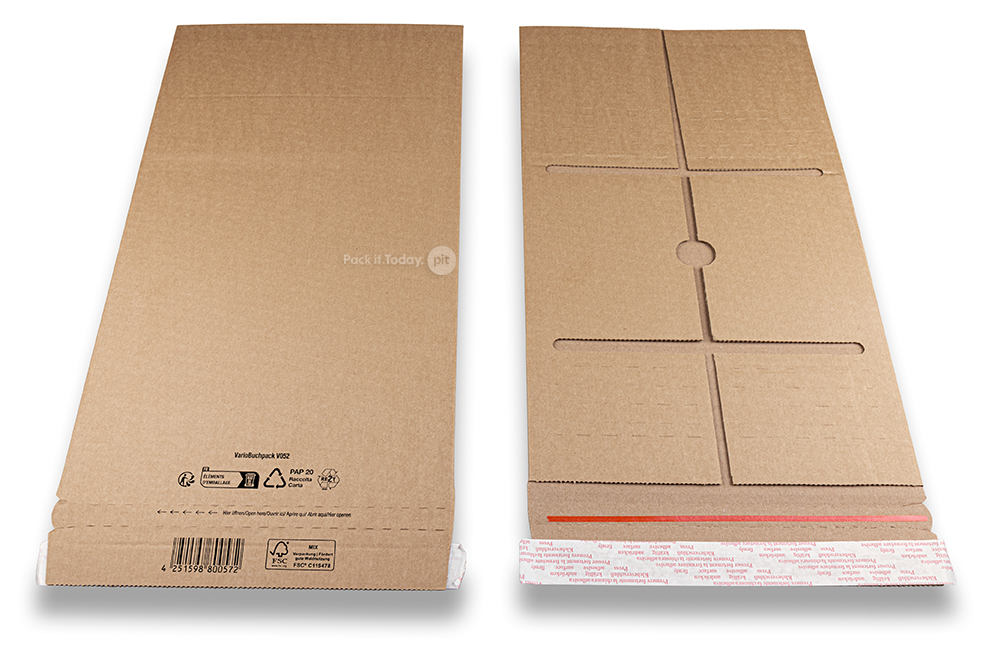
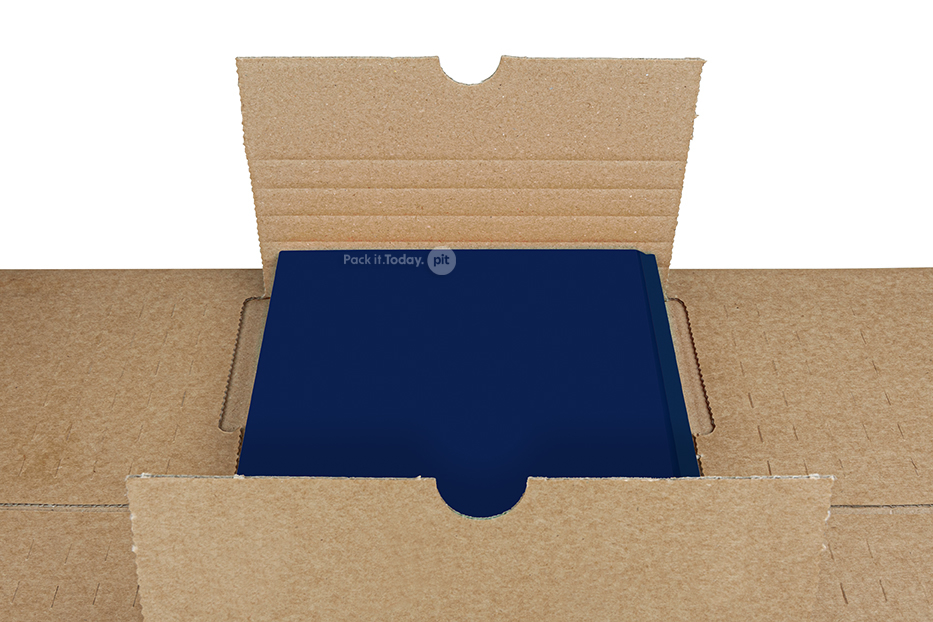
VarioBuchpack book packaging has been created using extremely durable and strong corrugated cardboard. Items are placed in the middle of the VarioBuchpack book packaging, the packaging is then wrapped around the item, contrary to other packaging options like SupraStar or Economy.VarioBuchpack book packaging is easy to close using a seal strip. It is also easy to open using the tear line. The sturdy quality of the cardboard and extra protection at the edges mean this packaging is ideal for heavier items like catalogues and large books. This product is labelled with a sustainability label (RESY) which demonstrates the recyclability of the packaging. This product is made from recycled material and is recyclable after use.
VarioBuchpack book packaging characteristics:
- The dimensions listed are for the packaging's interior: width x length x maximum compatible height
- Easy closure using peel-and-seal strip which makes tape unnecessary
- The height level can be adjusted so you can package 1 or more books
- Also suitable for use with photos and flat items
- Extra protection around the edges
- Quick to assemble
| Internal dimension approx. | Filling height approx. | External dimension approx. | Suitable for | Pallet quantity | ||||
| 160 x 230 x 70 mm | 0 - 70 mm | 170 x 280 mm | A5 | 2.100 pcs | ||||
| 190 x 255 x 90 mm | 0 - 90 mm | 200 x 315 mm | B5 | 1.375 pcs | ||||
| 235 x 305 x 90 mm | 0 - 90 mm | 245 x 355 mm | A4+ | 1.050 pcs | ||||
| 250 x 325 x 90 mm | 0 - 90 mm | 265 x 375 mm | C4 | 1.050 pcs | ||||
| 260 x 350 x 90 mm | 0 - 90 mm | 270 x 400 mm | - | 1.050 pcs | ||||
| 320 x 370 x 90 mm | 0 - 90 mm | 330 x 420 mm | B4+ | 700 pcs | ||||
| 320 x 455 x 90 mm | 0 - 90 mm | 330 x 505 mm | A3+ | 700 pcs |
- Free delivery from € 125
- Arrange delivery to an address of your choosing
- Safe, secure payment
- Always neatly packaged and delivered on time
If you have the right software to create print files, choose 'upload your print file later'. After going through the steps, a button with 'Template' will appear under the shopping cart button. This working drawing or blueprint is always based on the actual dimensions of the chosen product. You can use this as a basis for your own design software. Even if you have chosen 'Address', an .xls template will appear so that you know how to build up the address list. You can download the detailed instructions with additional explanation about these options via the 'Delivery instructions' button.
If you don't have any graphics software, you can use our online editor. You can directly create a design online by adding your image and/or text to the chosen product. You can create your own design easily and without errors with our online editor. After you have made the design, you place the order and we ensure the correct execution.